
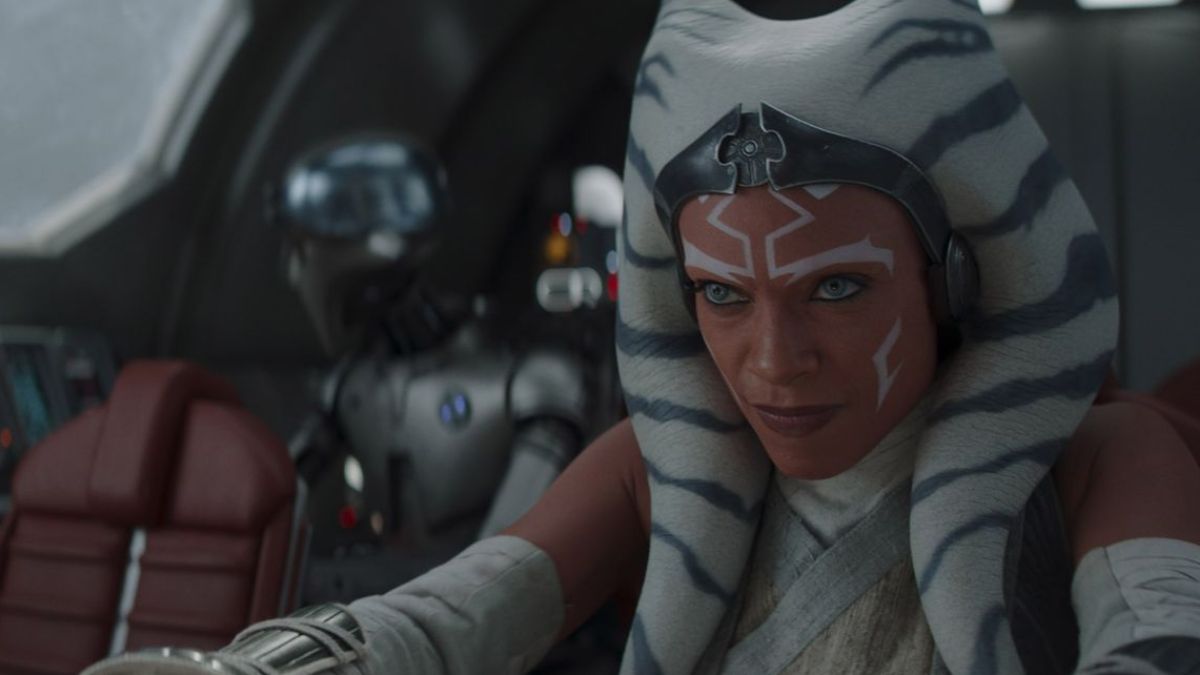
Studio Ghibli’s mesmerizing art style—filled with soft colors, dreamy lighting, and hand-painted textures—has captivated fans worldwide. With AI advancements, you don’t need expensive software or a GPT subscription to achieve this aesthetic. Here’s how you can create your own Ghibli-inspired images for free!
1. AI Image Generators (Free or Freemium)
Several AI-powered platforms allow you to create stunning Ghibli-style images:
-
Leonardo.Ai – Offers free daily credits to generate AI art.
-
Deep Dream Generator – Converts your photos into stylized artwork.
-
Runway ML – Provides AI tools for artistic transformations.
2. Custom Filters & Mobile Apps
For quick results, try these mobile-friendly options:
-
Dream by Wombo – AI-generated art with various anime-inspired styles.
-
PhotoDirector – Offers anime-style filters for realistic Ghibli effects.
-
PicsArt or Prisma – Free filters to mimic Ghibli’s unique textures.
3. Manual Editing & Photoshop Techniques
If you prefer hands-on editing, use these methods:
-
Watercolor & Soft Brush Effects – Achieve a hand-drawn feel.
-
Color Grading – Use warm greens, soft blues, and pastels.
-
Lighting & Blur Effects – Create the dreamy atmosphere seen in Ghibli films.
4. AnimeGANv2 (Open Source Tool)
For tech-savvy users, AnimeGANv2 (available on GitHub) can convert real images into anime-style artwork. It requires a PC with Python.
