
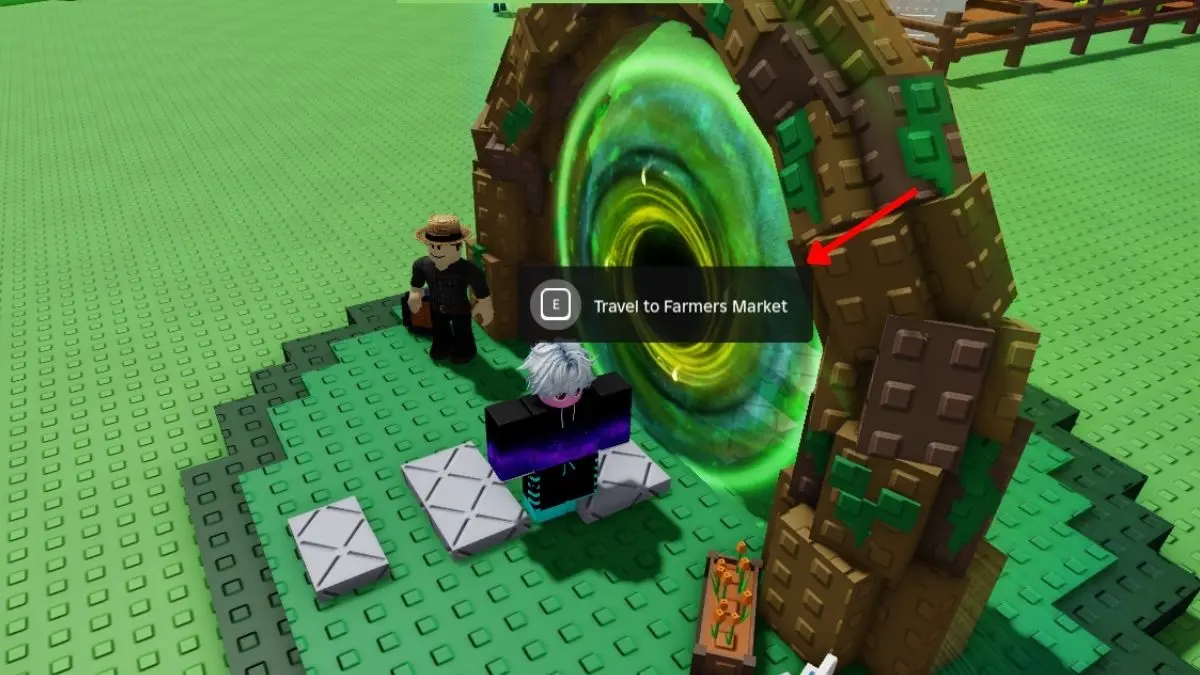
Grow a Garden just added a huge new trading area called the Farmers Market. It’s a place where players can set up stalls, sell items, and buy from others. This is a big help if you’re tired of waiting for special stock drops or grinding endlessly.
To enter, head to the big green portal in the lobby and press “E”. Once inside, you’ll see lots of colorful stalls and booths. To trade here, you need Trade Tokens.
First, claim an empty booth for yourself. You can even customize it using Booth Skins from Artisan or Elemental Containers to make it look attractive. Next, list your items for sale. Interact with your booth, click the plus sign, pick what you want to sell from your inventory, and set the price in Trade Tokens. Make sure the price is reasonable so other players actually buy it. Your listings stay live as long as you are at the market, and you can list multiple items at once.
You can also visit other players’ booths to buy items. Walk around and interact with their stalls. Pay attention to the prices so you don’t overpay. You can check the RAP index to see the value of plants, pets, and booth skins, which helps know if a deal is fair.
If you run out of Trade Tokens, you can earn more by selling your extra items to other players. You can also buy them from the shop using Robux, but that costs real money.
Finally, don’t forget the Booth Shop across from the portal. Here, you can buy Artisan and Elemental Containers. These might give you special Booth Skins to customize your stall.
The Farmers Market makes trading in Grow a Garden simple and fun. Did you manage to score any amazing deals yet?
